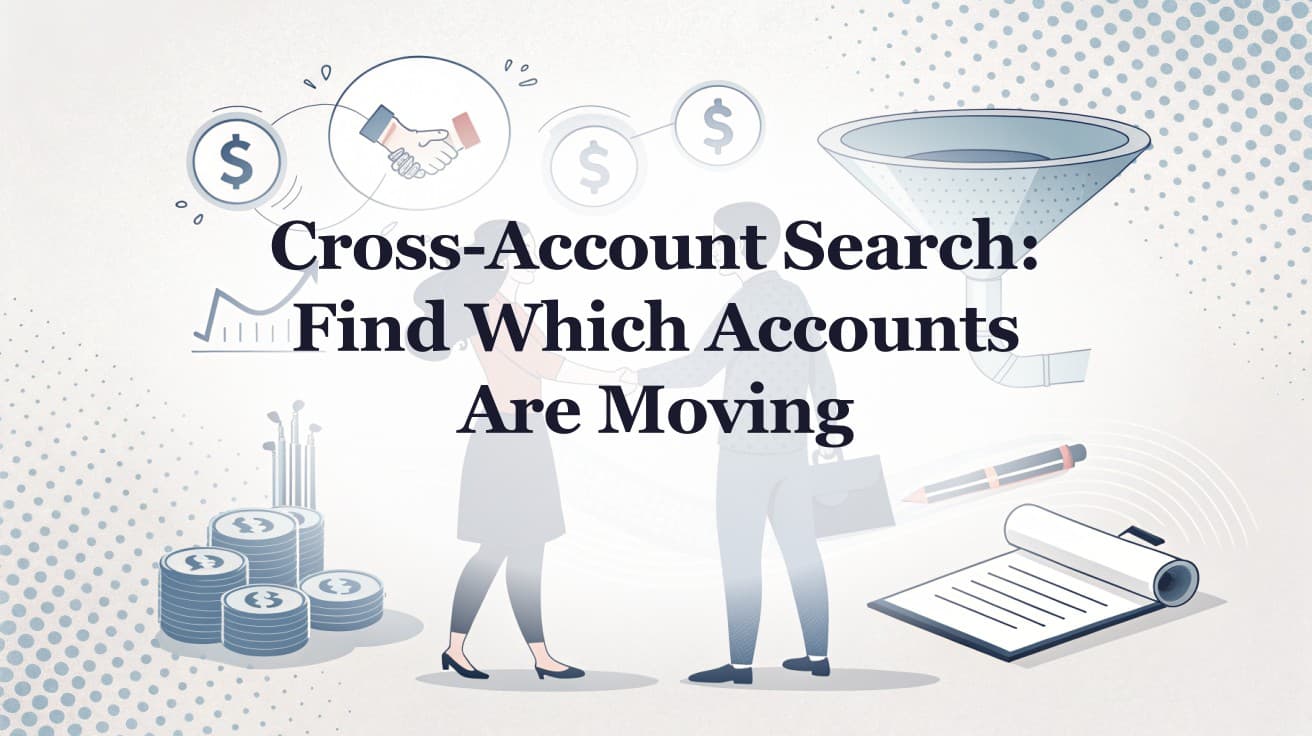
Cross-account search is one question asked across every account on your list at once: which of my accounts mentioned a specific topic, posted a specific role, or announced a specific initiative in the last three months. It replaces the alternative most reps live with, which is scrolling a chronological feed account by account and hoping nothing important slipped past. Most reps cannot tell you which of their accounts moved last week. That is not laziness. A single enterprise account can produce dozens of trackable events per quarter across job boards, filings, press releases, and product pages. Salesforce's sales statistics roundup reports that reps spend 60% of their time on non-selling tasks. The scroll is part of that.
TL;DR: Cross-account search lets a rep query the entire account list with one question instead of monitoring a chronological feed account by account. It returns the accounts that moved on a topic, role, or initiative in a chosen window, so the busy-week failure (miss the feed, never scroll back) stops costing pipeline. Pair it with account research and signal-anchored outreach to turn one query into booked meetings.
What Is Cross-Account Search?
Cross-account search is the ability to ask one question across every account on your list at once, instead of reviewing accounts one at a time. You query the whole book by topic, signal type, or strategic theme, and get back the subset of accounts that match in a chosen time window.
That is a different operation from the two tools most reps already have. A contact database answers "who works here." A chronological feed answers "what happened, in order." Neither answers the question reps ask on a Monday: across my 200 named accounts, which ones touched the thing I sell into, recently enough to act on. The post on contact databases versus account intelligence covers that split in more detail.
The reason this matters is volume. A rep covering 50 to 100 accounts cannot monitor earnings calls, job postings, funding, and competitive moves across all of them by hand. Gradient Works puts the practical ceiling at around 100 to 115 accounts per rep, and notes that as account count rises, personalization falls and outreach drifts toward generic. Cross-account search keeps personalization high while the account count stays large, because the rep stops scanning and starts asking.
Why Does the Chronological Feed Fail on a Busy Week?
Chronological feeds fail because they assume the rep shows up every day and scrolls back far enough. Real weeks do not work that way. The signal that mattered fires on Tuesday, the rep is in back-to-back demos through Thursday, and by Friday it has scrolled off the visible feed. The opportunity is not gone. It is invisible.
A business development rep at a CRO told us exactly this about the feed in a current tool: "if I get busy in, in a week and I miss the feed or don't go scroll back far enough, then I'll never find it." A feed is a stream. Streams only work if you stand in them constantly.
There are three structural problems with feed-only intelligence:
- It is time-ordered, not relevance-ordered. The feed shows the newest event, not the most important account. A minor press mention sits above a strategic initiative buried two days back.
- It has no memory you can query. You cannot ask the feed "did anything happen on the topic I care about across all accounts last quarter." You can only scroll.
- It punishes the busiest reps hardest. The reps with the most pipeline have the least time to scroll, so they miss the most signals. The tool is least useful exactly when the rep is most valuable.
Cross-account search removes the dependency on showing up daily. The signal does not decay out of reach, because you can retrieve it on demand. A rep coming back from a heavy travel week runs one query and recovers the week instead of writing it off.

“Automatic account profile detail I can use to manage my territory. Using Salesmotion AI to generate value statements per persona, account, etc. Using Salesmotion to give me a starting point based on new hires, or news alerts is critical.”
Adam Wainwright
Head of Revenue, Cacheflow
Which Accounts Are Hot Right Now? The Question Behind the Search
Prioritization is the real job cross-account search does. In sales calls between August and October 2026, the question "which accounts are hot right now?" came up in 22 of 55 conversations, across life sciences, IT services, banking software, healthcare technology, and cybersecurity.
The wording varies, but the problem is the same. A sales leader at a healthcare technology company told us, "I just feel like we have a lack of visibility into ... what accounts are actually hot." A regional sales manager at a cybersecurity vendor wanted the opposite of another feed: "I'm looking more for surveillance on my accounts to pick up the stuff that I might miss." A sales leader at a banking software vendor, facing roughly 200 target banks in one country, asked how anyone could identify the ones worth going after.
None of these teams lacked accounts. They lacked a way to rank them this week. A query across the whole list, filtered by the event that matters to your offering, is that ranking. If the event carries a deadline, it is also a compelling event, and it belongs at the top.
How Does Cross-Account Search Change a Rep's Day?
It replaces hours of account-by-account scanning with a single query that returns a short, actionable list. The rep spends time acting on accounts that matched, not hunting for which accounts to act on.
The work splits into three steps.
Find the matches. Something has to be monitoring the accounts continuously, so the data already exists when the rep asks. Cross-account search is how the rep interrogates that data: one query, the whole list, a chosen window, filtered by signal type, keyword, and date range.
Build the context. For each matched account, the rep needs a brief: the initiative, the stakeholders, the recent earnings language, the leadership changes. Done by hand, that is hours per account. Analytic Partners reduced account research time by 85%, from three hours to fifteen minutes per account, according to Andrew Giordano, VP of Global Commercial Operations.
Write the message. Anchor it to the specific signal that matched the query, not a generic template. A message that names the initiative and the timing reads as research. A message that names only the product reads as a blast. The signal-based selling guide covers the outreach side.
The shift is from reactive to proactive. Reps stop researching only when they remember to, and start acting on a trigger they can call up at will.

“Salesmotion is instrumental in helping me prioritize net-new accounts, understand their strategic initiatives, and cover more ground. With a lot of green-field accounts, I'm heavily leaning on the AI insights to tier my accounts and focus my time. The platform is incredibly intuitive and easy to use.”
Rob Webster
Enterprise Account Executive, Synthesia
A Cross-Account Search, End to End
Here is one illustrative example. An enterprise software AE covers 180 named accounts in financial services. She cannot tell which of them are close to a decision, and she has burned several meetings educating prospects who were never close to buying.
| Time | Step | Result |
|---|---|---|
| Monday, 9:14 | One search across all 180 accounts: which mentioned a "core banking modernization" initiative in the last 90 days | 11 accounts match |
| 9:20 | Second filter: which of the 11 also posted a Head of Transformation or VP of Revenue Operations role | 3 accounts match both |
| 9:35 | Read the briefs on the 3. One account's latest earnings call names the program as a board-level priority for the fiscal year | Initiative, likely owner, and timing are known |
| 9:50 | Send 3 messages, each referencing the initiative and the new role, not the product | 169 accounts left alone this week, on purpose |
Without the search, finding those eleven would mean opening 180 company sites and reading each strategy page. A BD director at a CRO told us what that looks like for a single company: "I would have wasted 10, 15 minutes going through back and forth, back and forth."
The initiative plus the hire is a buying window, not a guess. That is the difference between covering a list and working it. The same query, run as a manual scan, would take most of a day and still miss signals that scrolled past during meetings. The post on how to identify accounts entering a buying window goes further on combining signals.
Why Does This Break Without Automation?
It breaks because the question is asked of unstructured text spread across thousands of sources, and no spreadsheet formula reads those. Sales leaders have tried to run this in CRM fields, spreadsheets, and saved searches. The spreadsheet works for ten accounts and collapses at fifty.
The reasons are familiar to anyone who has run a territory:
- The signals that matter most live outside the CRM. Earnings language, hiring patterns, initiative mentions, and competitive moves are not fields a rep fills in.
- Manual data goes stale in weeks. Job changes, new initiatives, and budget shifts move faster than reps update records.
- Coverage scales with effort, until it stops. Twice the accounts means twice the scan time.
Cross-account search is the automation layer that makes a territory model work in practice. It is also why account research at scale needs continuous monitoring underneath the query: you can only search what something is already tracking. The query is the interface. The monitoring is the engine.
Salesmotion is one way to run this. Its Signal Agent monitors 50+ signal types across 1,000+ sources, and reps can search across all signals from every account, filtering by type, keywords, and date range. The same mechanic applies to a sponsor-side team with a large named list and to a CRO with a dense vertical territory, because the problem is structural, not industry-specific.
Key Takeaways
- Cross-account search answers the question feeds and contact databases do not: which of my accounts moved on a specific topic, role, or initiative in a chosen window, asked once across the whole list.
- The chronological-feed failure (miss a busy week, never scroll back) costs pipeline silently. On-demand search removes the dependency on showing up daily.
- The underlying problem is prioritization. Buyers describe it as not knowing which accounts are hot right now.
- The workflow is find, research, reach out: query the list, read the brief, anchor the message to the matched signal.
- Manual approaches collapse past 50 accounts because the highest-value signals live outside the CRM and go stale in weeks.
- The best use is recurring: run the same query weekly to recover signals you would otherwise miss.
Frequently Asked Questions
What is cross-account search in sales?
Cross-account search is the ability to query your entire account list with one question, such as "which of my accounts mentioned a specific initiative or posted a specific role in the last three months." It returns the matching subset across the whole book at once, instead of making you review accounts one at a time or scroll a chronological feed.
How is cross-account search different from a contact database?
A contact database tells you who works at an account. Cross-account search tells you which accounts are moving on a topic or signal right now, and why. The two are complementary: one supplies names, the other supplies the reason and the timing for outreach.
Does cross-account search work across a large account list?
Yes, and large lists are where it matters most. A rep covering 100-plus accounts cannot manually monitor every signal source for each one, so personalization usually degrades as account count rises. Running one query across the full list keeps coverage high without more scanning time.
What signals can you search across accounts?
The useful set goes well beyond job changes: strategic-initiative mentions, earnings-call commentary, hiring surges, leadership changes, funding, M&A, product launches, and competitive moves. The depth of the underlying signal coverage determines what you can query.
How do I start running cross-account searches on my own list?
Bring your named accounts into a platform that monitors them continuously, then run a first query on a topic you sell into. Start with one event that reliably precedes a purchase of your product, and a 90-day window.